

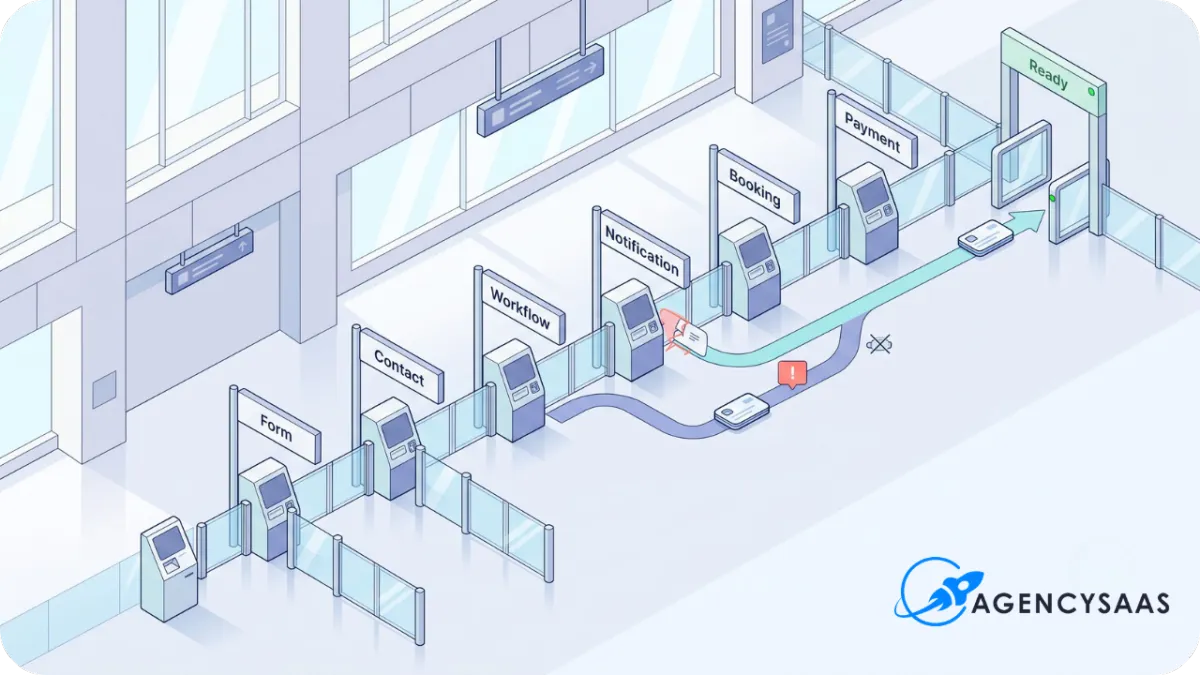
HighLevel Client Handoff Checklist for SaaS Agencies
A HighLevel client handoff checklist covers the part most agencies leave vague after the account goes live: who now owns the system, what each client user can access, where the documentation lives, and when the agency stops carrying routine work.
The forms can submit correctly. Workflows can fire. Calendars can book. The pipeline can be ready.
A week later, the client may still have no idea who owns the inbox, who updates opportunities, who handles appointment changes, or where staff should report a problem.
That account is live.
It has not been properly handed over.
Go-live proves the system can work. The handoff transfers daily control to the people who now have to use it.
The Handoff Starts After Launch QA Has Passed
Do not turn the handoff meeting into another technical account audit.
The detailed checks should already be finished. Forms were submitted. Calendars were booked. Workflow paths were watched. Sending tools, payments, permissions, and integrations were tested.
Use the HighLevel Snapshot Import Checklist for that account-level QA before this handoff begins.
The handoff only needs a short proof record:
Date the final test was completed
Main paths tested
Person who approved the result
Known limitations still open
Items intentionally left inactive
This stops the meeting from drifting backward into setup work.
The build team should arrive with a tested system. The handoff meeting explains how the client will operate it.
Transfer Access by Role, Not by Convenience
Giving everyone admin access is fast.
It is also lazy account design.
The business owner, front desk, sales rep, reporting user, and staff member handling appointments do not need the same control.
HighLevel supports sub-account roles and module-level permissions. It also supports more specific controls for areas such as calendars, dashboards, and payments. Use those controls instead of opening the whole account because the access plan was left until the last minute.
HighLevel’s official sub-account permissions guide explains how Admin and User roles, module permissions, and assigned-data restrictions work.
Build a simple access matrix before sending logins.
Document who has Admin access and why.
Someone should also own the task of removing staff who leave the business. An old login is not an agency support problem if the client never names who controls staff access.
Name the Client-Side Owners Before Your Agency Steps Back
A system without named owners slowly returns to the agency.
The client asks where a lead went. Your team checks the inbox. A staff member forgets to update the pipeline. Your team fixes it. An appointment changes. Your team gets copied because nobody knows who owns calendars.
That is how routine client work leaks back into delivery.
The handoff should name one person for each operating area.
Do not write “client team” in every owner field.
Name the person or role.
If nobody accepts ownership, the handoff is not ready.
Give the Client a Live System Map
The client does not need a technical diagram of every trigger, branch, field, and webhook.
They need a readable map of what is live.
The system map should list:
Active forms and landing pages
Live calendars
Pipelines and stage meanings
Active workflows and their job
Phone numbers
Sending domains and main sender addresses
Payment connections
Third-party integrations
Main dashboards or reports
Items intentionally left inactive
Keep the descriptions plain.
Instead of writing:
Workflow 11B -- Lead Nurture Variant
Write:
New Quote Request Follow-Up -- sends the first confirmation, alerts the sales desk, and stops when the lead books or replies.
The client should understand what the system does without opening the workflow builder.
Inline image placement
Replace this line with the uploaded image inside HighLevel:
HighLevel client handoff checklist showing access roles, client owners, system documentation, and support routing.
Run Training Around Real Roles
One general platform tour usually teaches everyone too much and nobody enough.
The owner does not need the same training as the front desk. The reporting user does not need a workflow-builder lesson. The staff member replying to leads should not sit through payment configuration.
Train people on the actions they will perform.
Owner or Client Administrator
Cover user access, account ownership, the main reports, billing access where required, and the escalation path.
Sales or Front-Desk Team
Cover Conversations, contact records, opportunities, appointment changes, missed leads, task updates, and where replies appear.
Reporting User
Cover the approved dashboard, date ranges, filters, what each number means, and which figures depend on staff updating the pipeline.
HighLevel’s dashboard-permission guide explains how dashboard access and assigned-data limits can be controlled.
Calendar Owner
Cover availability, appointment changes, conflicts, assigned calendars, no-show handling, and who can edit calendar settings.
HighLevel also provides separate calendar permission controls for users who need different levels of scheduling access.
Staff Member Who Updates the System
Cover the small tasks that keep reporting believable: moving opportunities, recording outcomes, changing owners, closing tasks, and reporting exceptions.
The training is finished when each person can perform their assigned task.
Watching an agency screen-share is not proof that the client can operate the system.
BEFORE YOUR TEAM STEPS BACK
Run the client handoff check.
Use the Client Ownership and Handoff Pack to confirm access, named owners, role-based training, system documentation, issue routing, and written acceptance.
Record the Material the Client Will Need Later
A handoff call disappears from memory quickly.
Record the parts the client will need after the call:
Training recording
Short quick-start guide
Login and access instructions
Live system map
Named-owner list
Support-request process
Known limitations
Change-request process
Urgent-issue rule
One long recording is not enough.
Add timestamps or split the training into short sections. “How to find missed leads” is easier to reuse than “Client Handoff Call -- 58 Minutes.”
Keep the system map current. If the agency later adds a workflow, calendar, integration, or dashboard, update the document. Otherwise the handoff record becomes another stale file nobody trusts.
Documentation is also part of productizing the work. AgencySaaS uses the same principle when packaging a HighLevel workflow template: the build becomes easier to reuse when required inputs, setup notes, QA steps, and support scope are written down.
Use a Support-Routing Matrix Instead of Repeating the Whole Support Policy
The handoff article should not teach snapshot support boundaries again.
Use the existing snapshot support rules and Snapshot Packaging and Delivery Checklist when defining what the offer includes.
The handoff needs a simpler document: where each problem goes.
This stops every problem from landing in one inbox with the label “HighLevel issue.”
Get Written Client Acceptance
A polite “looks good” on a call is weak proof of handoff.
The client should confirm in writing that:
Access was received
The assigned users can log in
Role-based training was completed
The system map was delivered
Named owners accepted their tasks
Known limitations were reviewed
The support route was understood
The launch result was accepted
Written acceptance protects both sides.
The client has a clear record of what they received. The agency has proof that the handoff happened and that the operating responsibilities were named.
This does not need a heavy legal document.
A short acceptance form or signed handoff page is enough for most productized builds. Use legal review when your agreement or client situation requires it.
Schedule One Early Handoff Review
The agency should not disappear immediately after the acceptance form is signed.
Schedule one early review to catch problems in how the client uses the system.
Check:
Did every assigned user get access?
Are the named owners doing their tasks?
Are support requests reaching the right place?
Did any training section prove unclear?
Has the client requested work outside the approved build?
A second checkpoint around 30 days can review adoption, exceptions, and properly scoped change requests.
Do not turn that review into indefinite free improvement work.
The review checks the handoff. New workflows, reporting rebuilds, funnel changes, integration work, and expanded training should follow the agreed change path.
Turn the HighLevel Client Handoff Checklist Into an Agency Pack
The first handoff may live across notes, recordings, emails, and somebody’s memory.
Package the reusable pieces after the process works once.
A practical handoff pack can include:
Access matrix
Client-owner worksheet
Live system inventory
Role-based training agenda
Training-recording index
Support-routing matrix
Client acceptance form
Early handoff review sheet
That pack gives the agency one repeatable finish line for each client build.
It also makes the offer easier to explain. Clients can see that the project includes a real transfer process, not a login email and a vague invitation to ask questions.
The handoff pack belongs after the client onboarding process and after launch QA. It should not replace either one.
AgencySaaS can place the pack beside its other operator resources and templates without making it another snapshot-delivery checklist.
MAKE THE FINISH LINE REPEATABLE
Stop rebuilding the client handoff from memory.
Use one repeatable pack to transfer access, name the client owners, record training, route support, collect acceptance, and mark the point where implementation ends.
Final Takeaway
A HighLevel account is not handed over because the workflows work.
The handoff is complete when the client can operate the system, each daily task has an owner, the support route is clear, and the agency has a written point where implementation ends.
Test the system first.
Then transfer control properly.